
Filming on iPhone vs Camera: Do You Really Need a Dedicated Camera?

“iPhone vs camera: should we buy a camera, or can we just use our phones?”
It’s one of the most common questions we get in our videography workshops in Sydney. For most teams making videos for their website, social media or internal communications, my advice is to start with the phone.
Modern iPhones have caught up enough that a dedicated camera is often an unnecessary purchase. With good lighting, clear sound and a steady shot, your phone can produce excellent results. There are still good reasons to use a camera, but you should know what you need it to do before spending the money.

1. iPhone vs camera: what most business videos need
Staff interviews, customer testimonials, quick tips, demonstrations and training videos are all good examples. Most involve filming someone speaking, then capturing extra shots to illustrate what they’re talking about.
That’s the approach we teach in our content creation workshops: plan a useful video, record clear sound, light it well and get enough footage to tell the story.
Your phone is familiar, and the footage is easy to review, edit and share. A camera sitting in a cupboard because nobody feels confident using it won’t help your business. A simple setup your team can use every week will.
2. Improve your sound and lighting first
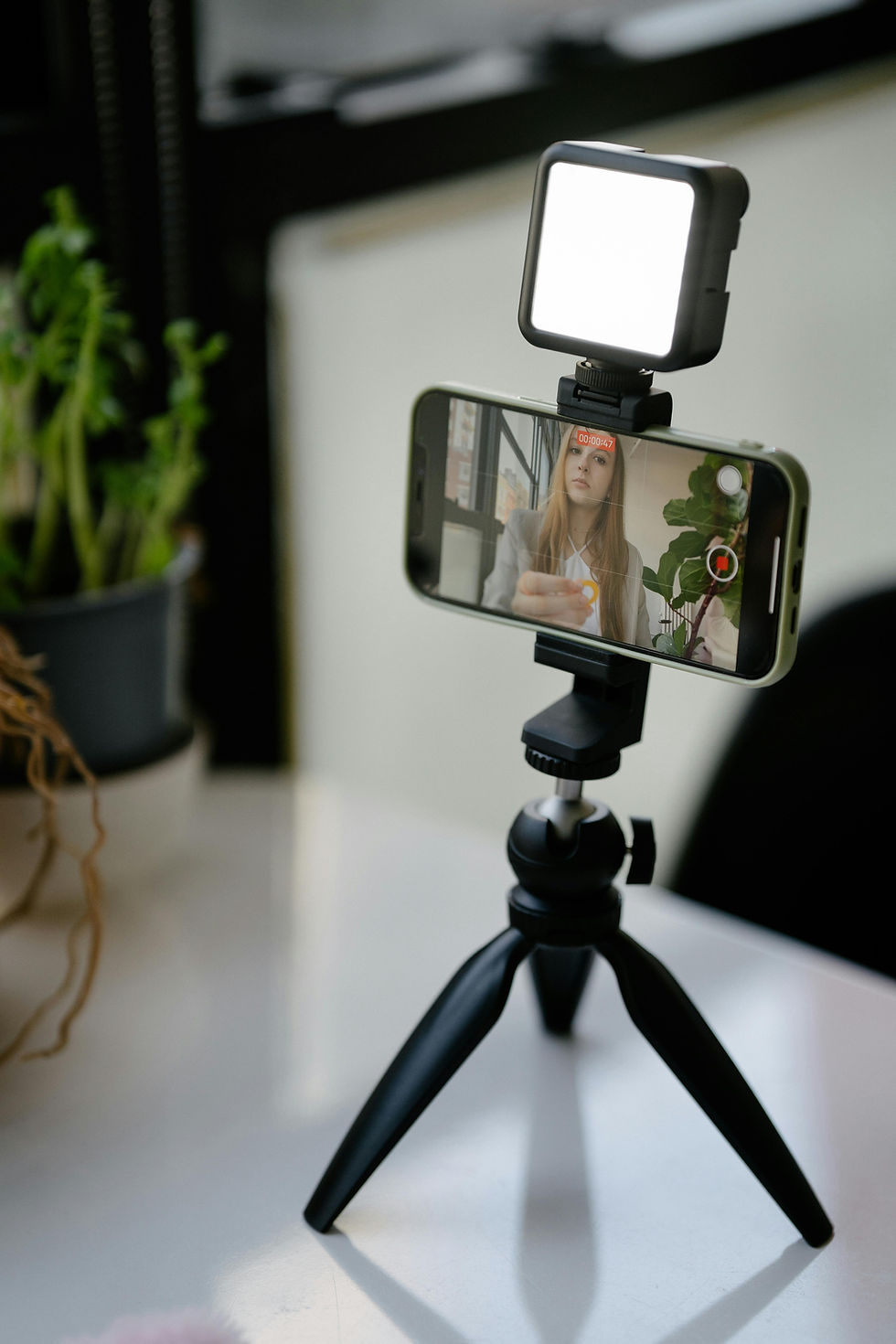
Before buying a camera, try filming an interview with your phone on a tripod, a wireless microphone attached to the speaker and some soft light on their face.
A microphone close to the person helps their voice stand out from room noise. A tripod keeps the framing steady. A window or small LED light can give you a much cleaner image than filming under whatever ceiling lights happen to be there.
In our smartphone videography workshops, we practise these basics with the equipment your team will actually use. You can also read our video equipment guide before buying anything.
3. What about that blurred background?
Compatible iPhones offer Cinematic mode, which creates a background blur that can work well for interviews and simple workplace footage. It isn’t identical to the shallow depth of field from a larger camera and lens. Check around hair, glasses and moving objects before filming a whole interview.
You can also get a pleasing shot in normal video mode. Choose an uncluttered background, move the person away from the wall and pay attention to the light. Our guide to filming great interviews with your smartphone shows how these pieces fit together.
4. When is a dedicated camera worth it?
A camera earns its place when you need something specific that your phone struggles to deliver: a suitable telephoto lens for distant subjects, more flexibility in difficult low light, precise focus control or a setup designed for long recording sessions.
A carefully produced premium campaign can also benefit from particular cameras and lenses. Think close-up jewellery footage, detailed product work or a visual style that needs to stay consistent across a campaign.
Even then, your main campaign film and everyday social updates can use different approaches. In our social media video workshops, we focus on a practical process for making regular content with the gear you have.
5. Already own a camera? Compare the results
If your organisation already has a DSLR or mirrorless camera, it may still be useful. Film the same short interview with that camera and your phone, keeping the lighting, microphone and framing as similar as possible.
Compare the results on the screen your audience will use. Then compare the work involved: can your team focus it reliably, transfer the footage and edit it without getting stuck? We can work through that comparison in a one-day videography workshop, using your own equipment.
Want help filming with your phone?
Before buying equipment, send us a few examples of the videos you want to create. For most teams, I’d start with a capable smartphone, a compatible wireless microphone, a tripod and a simple light. Learn that setup well, then consider a camera if you encounter a clear limitation.
Our short workplace videography course covers filming and editing, tailored to your team. We deliver training in Sydney, Brisbane and Melbourne, with practical sessions built around the videos you need to make.
You may already have the camera you need in your pocket.


Comments